
Rostered by mathematical optimisation
Auto Schedule weighs skills, leave, hours and coverage at once, in your model-driven app next to your Dynamics 365 and Power Platform apps.
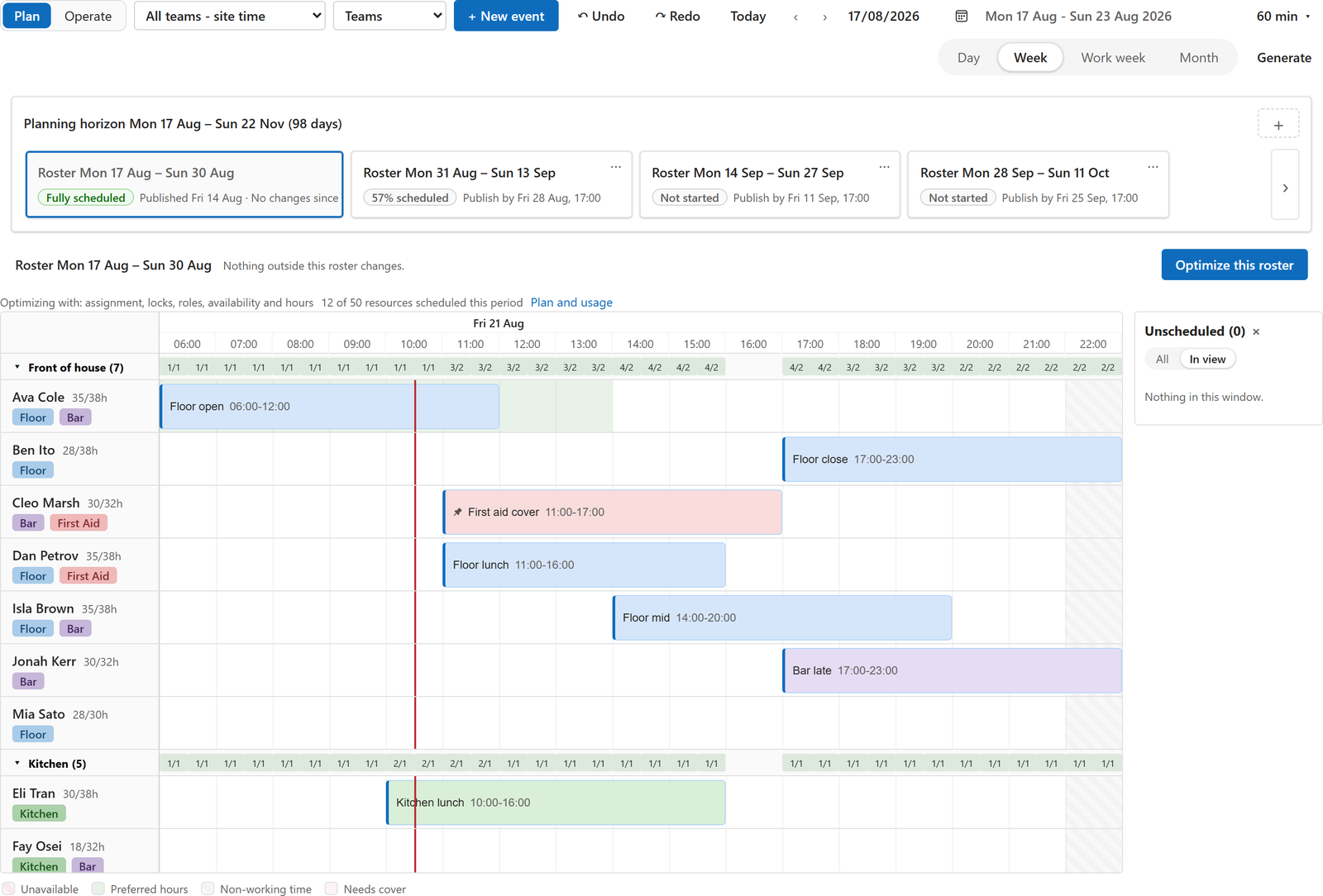
Rostering for deskless and frontline teams in Power Apps, with Auto Schedule built in. You set up the roles, the skills and the cover you need. Auto Schedule proposes the roster against your rules, and you review it and publish it. Your roster stays in your own Dataverse.
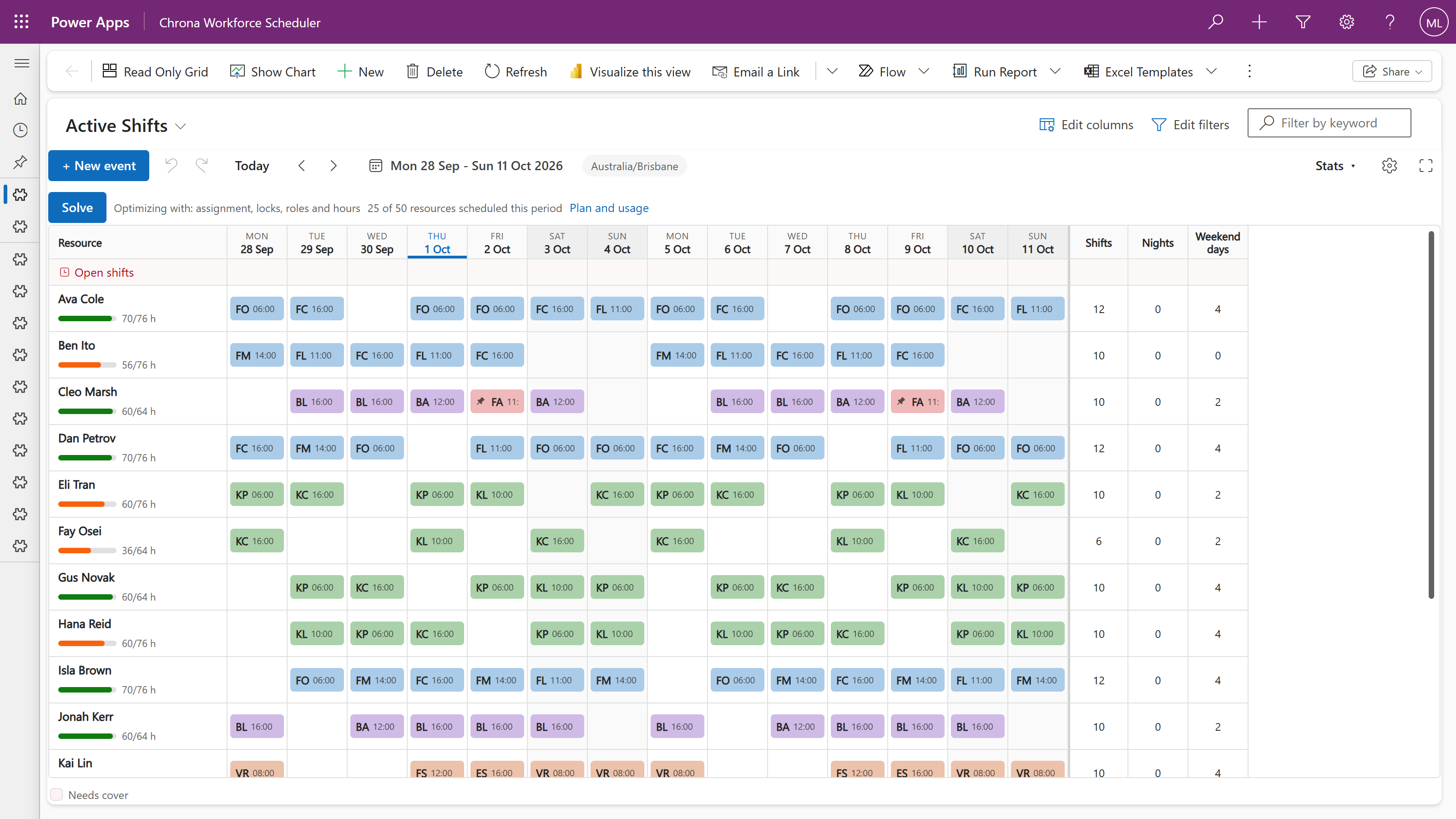
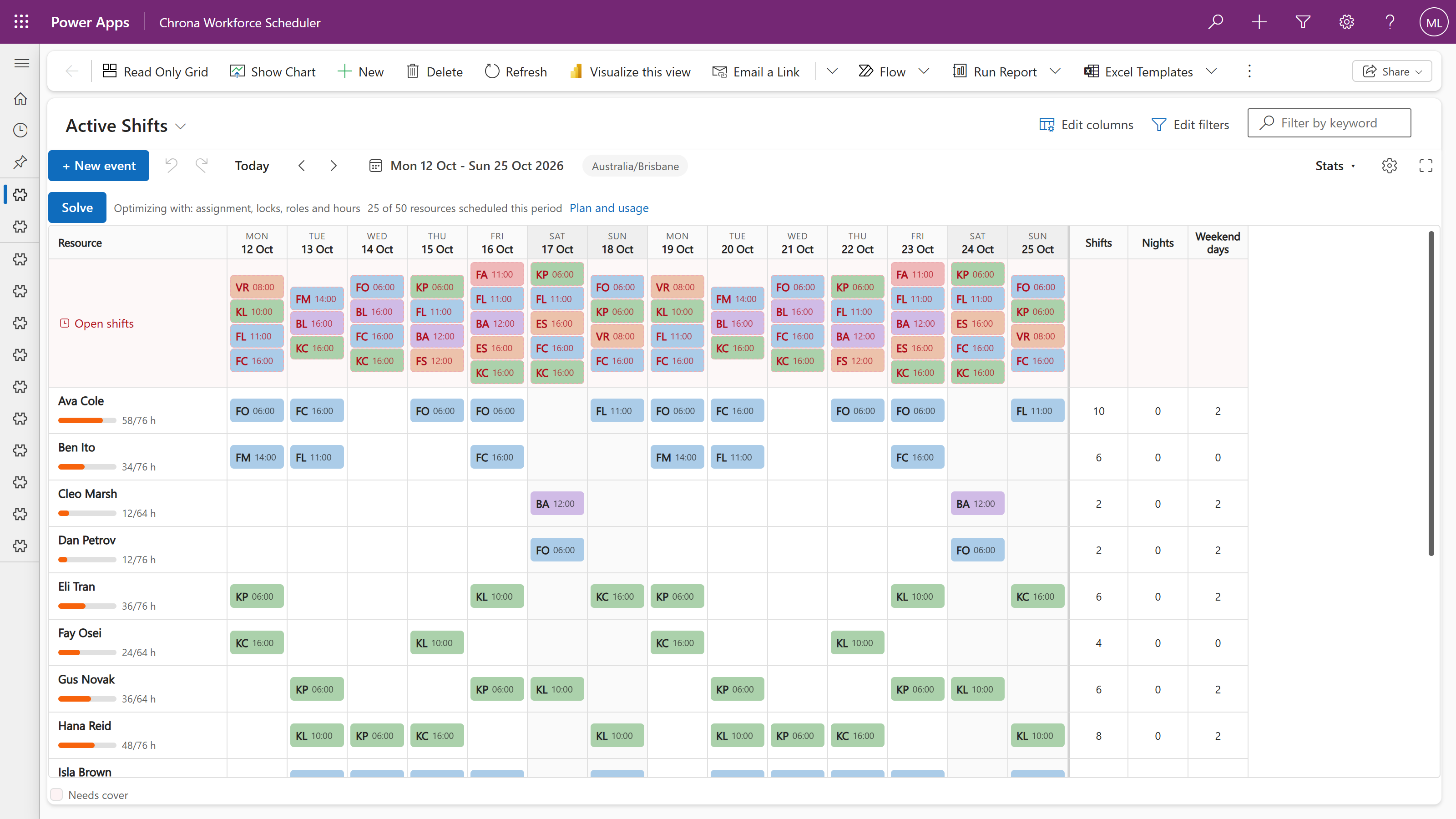
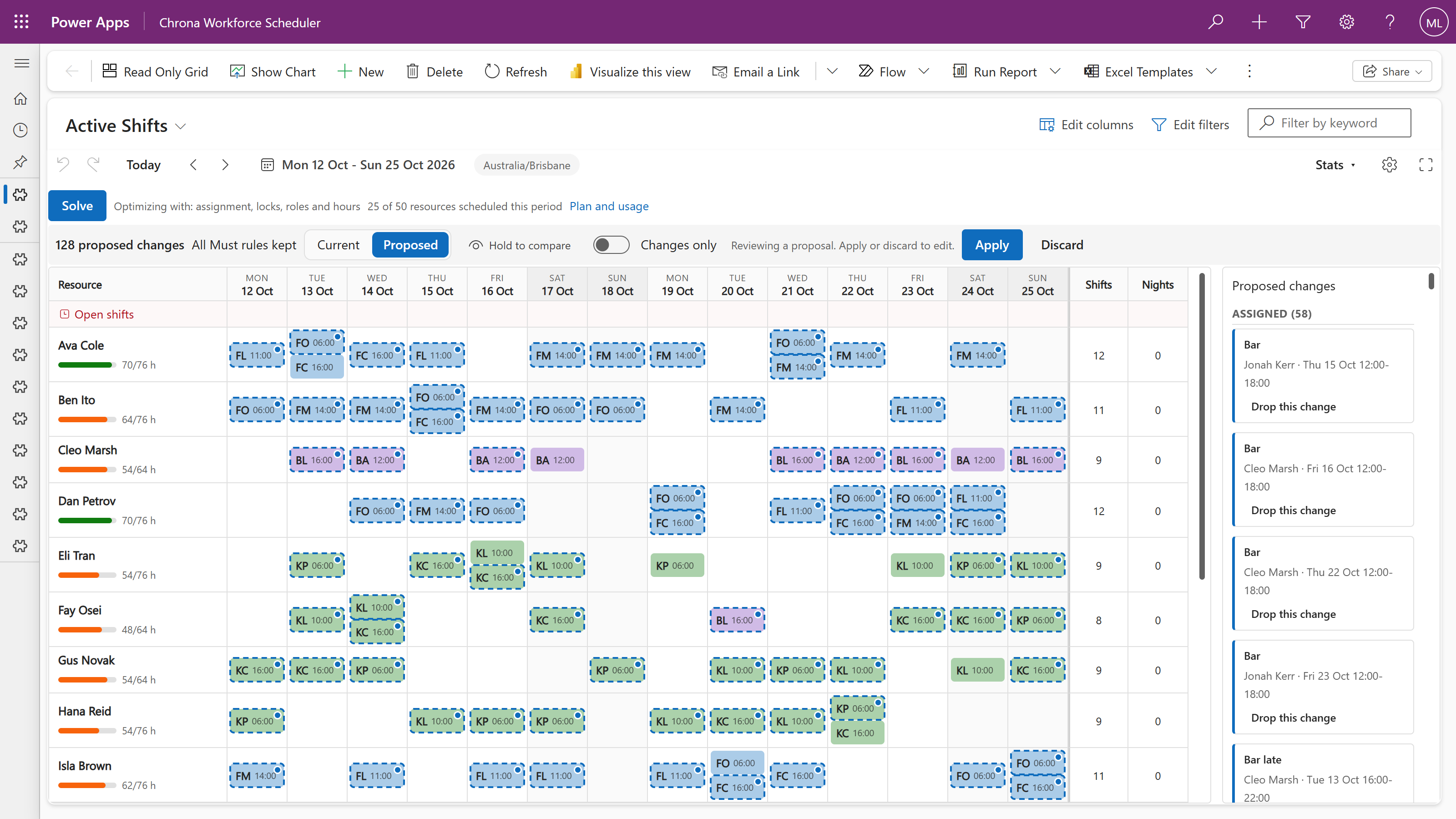
Where some platforms cap one request at 3,000 jobs, one Chrona run fills over 14,000 shifts.
Measured on test rosters with skills, contract hours, pay rates and leave, every shift open at the start, on the solver size we run in production.
Plan your frontline workforce on the Power Platform you already run.
Auto Schedule weighs skills, leave, hours and coverage at once, in your model-driven app next to your Dynamics 365 and Power Platform apps.
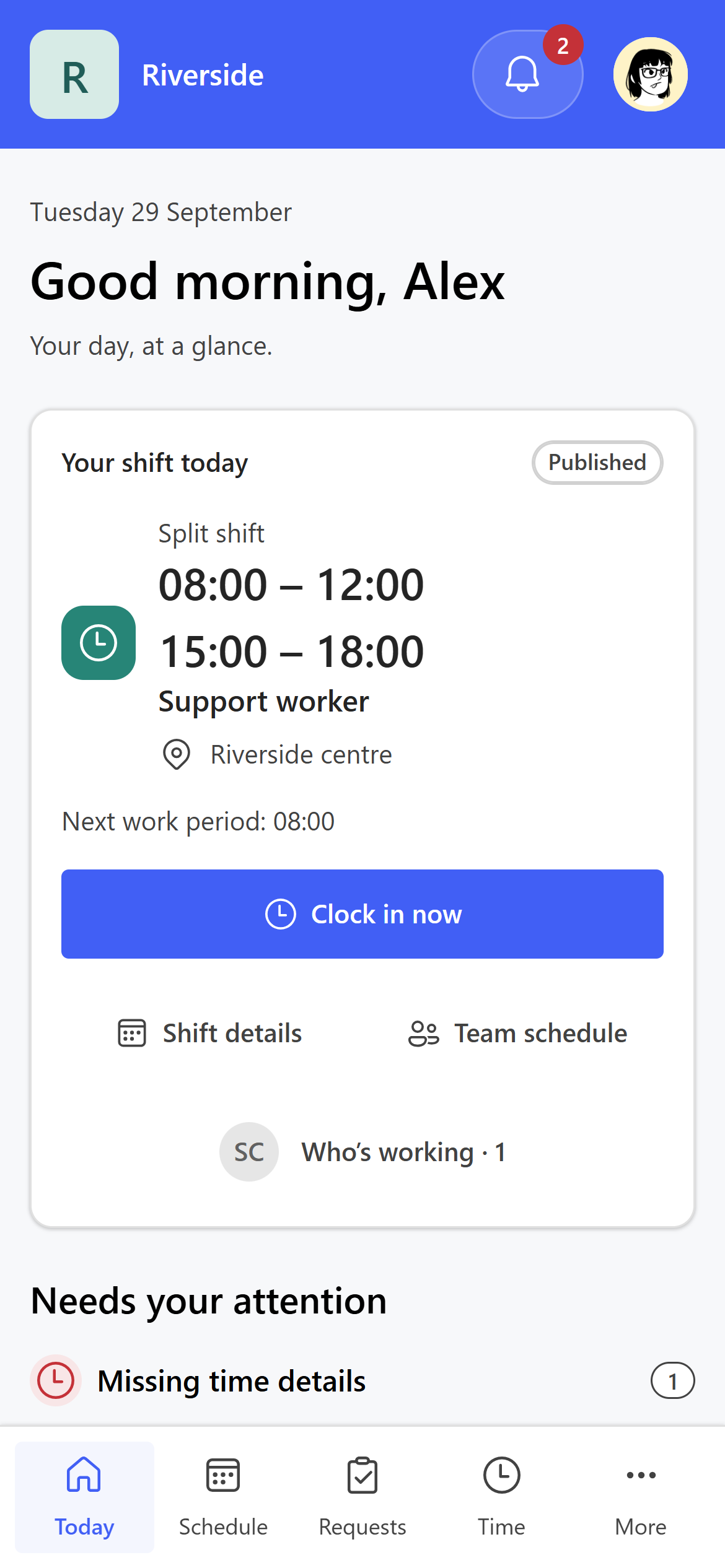
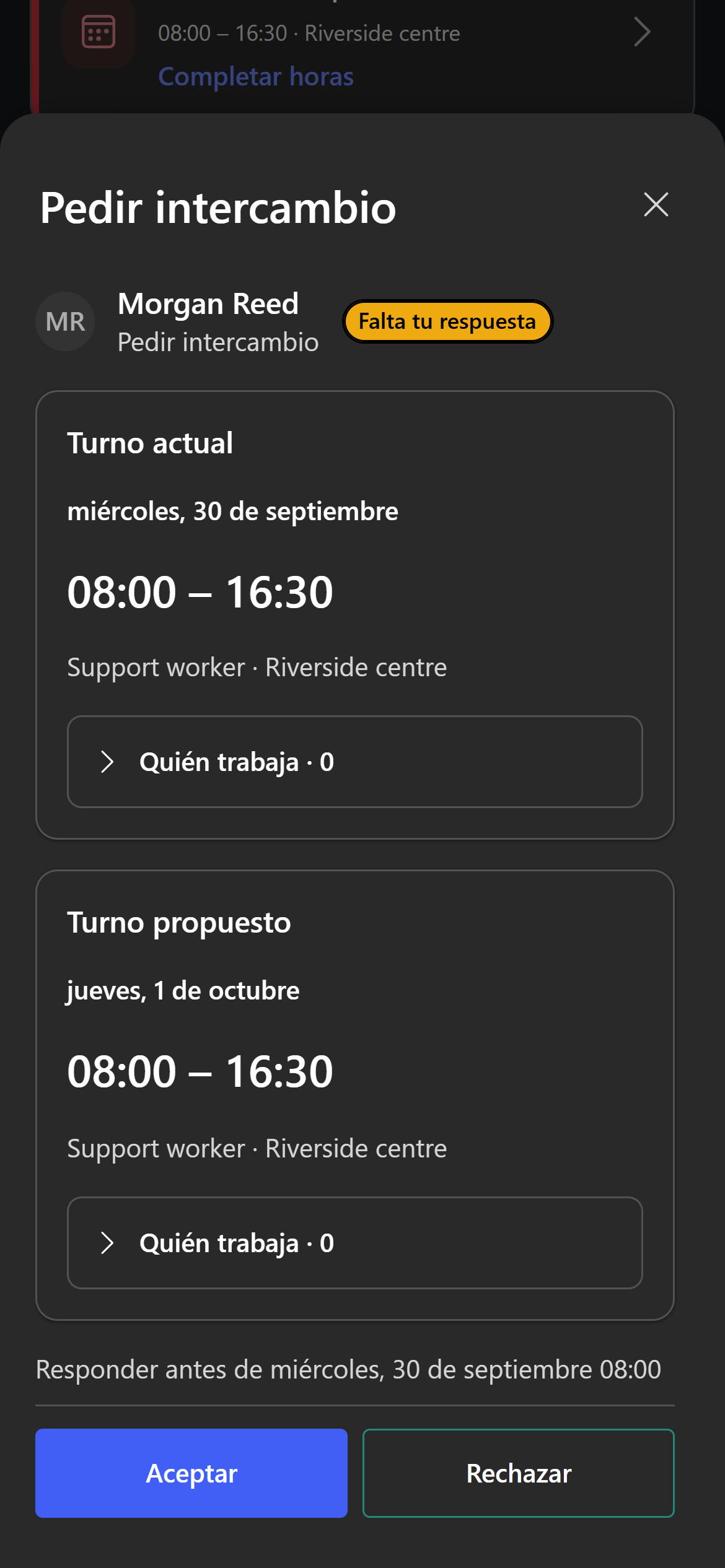
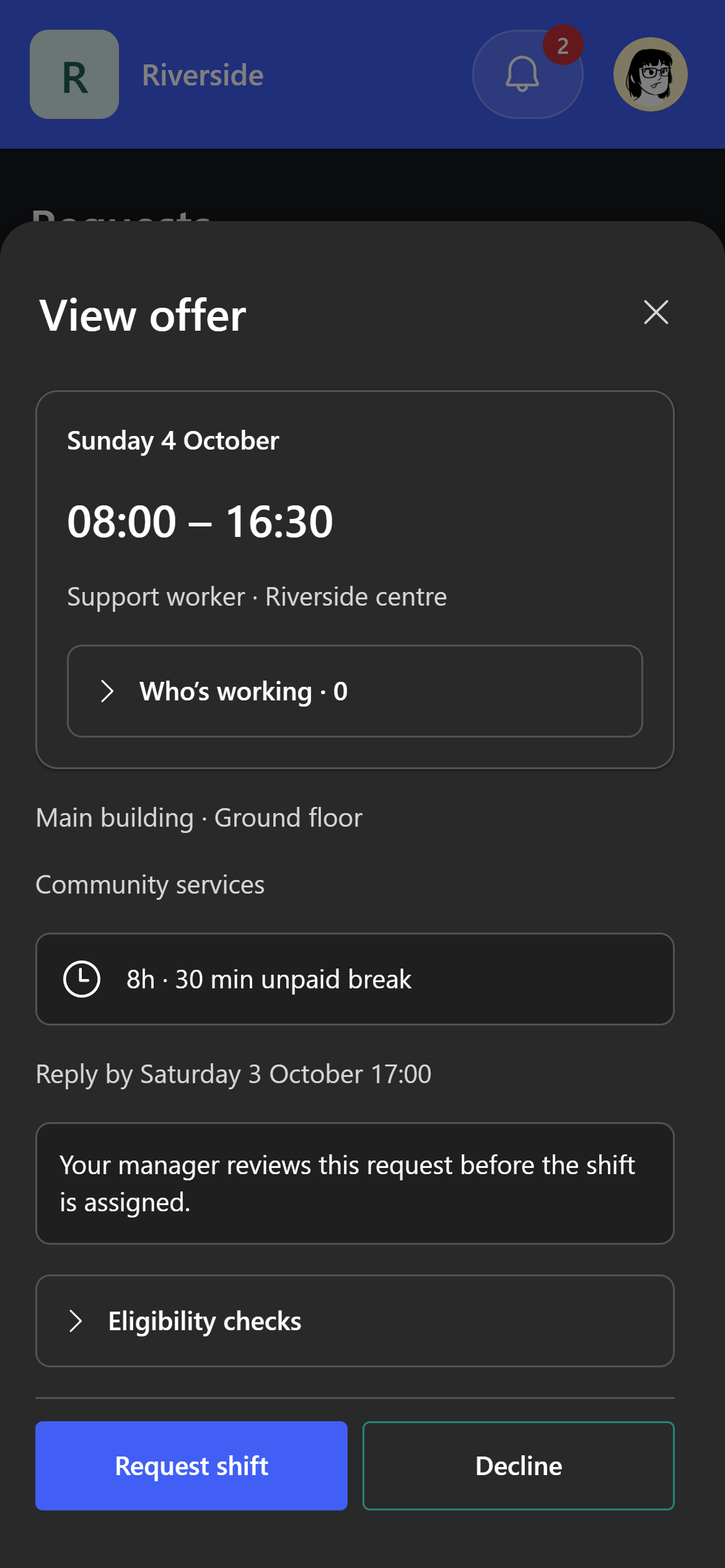
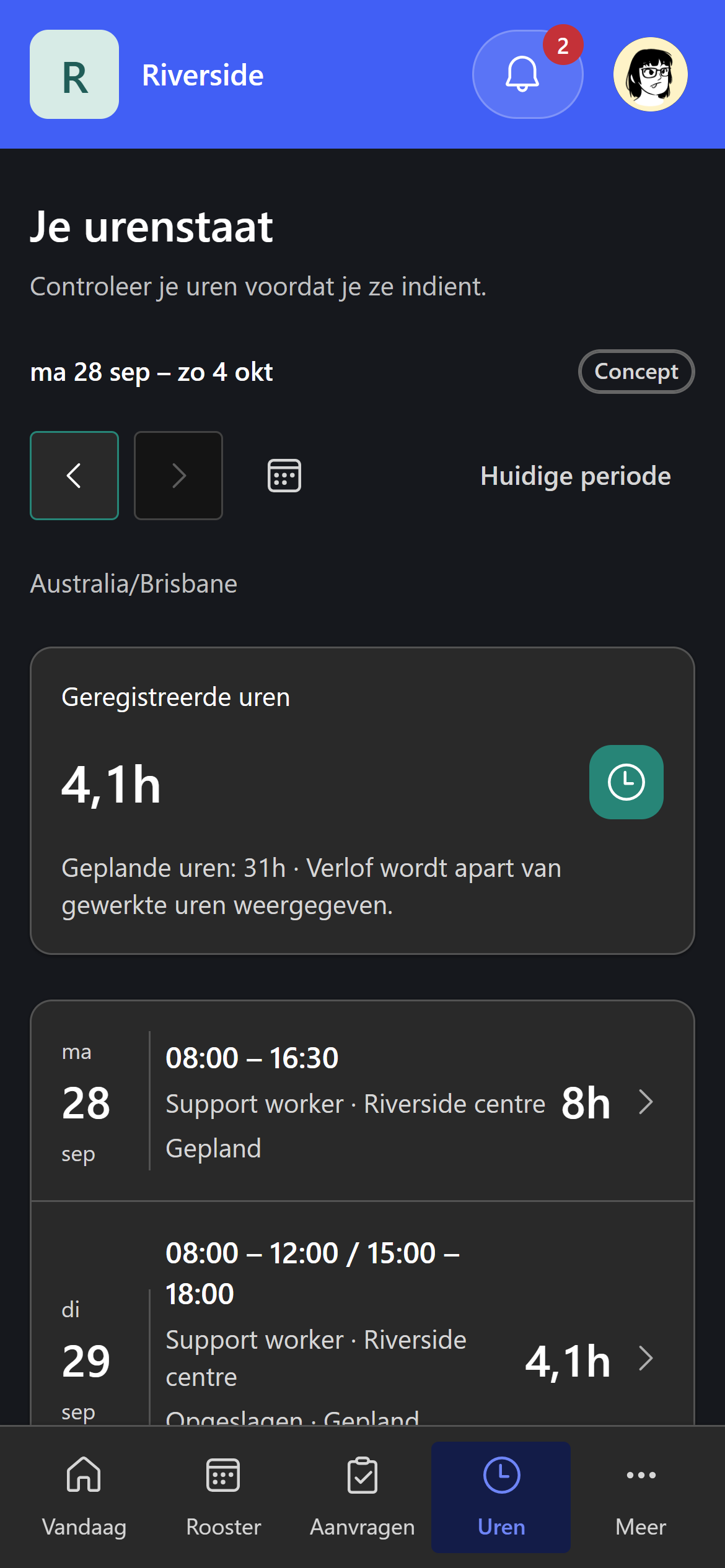
Chrona Workforce Mobile, a Power Pages app: open shifts, swaps, leave, availability and work preferences. In development.
Your automation, customisations and integrations cover the whole team.
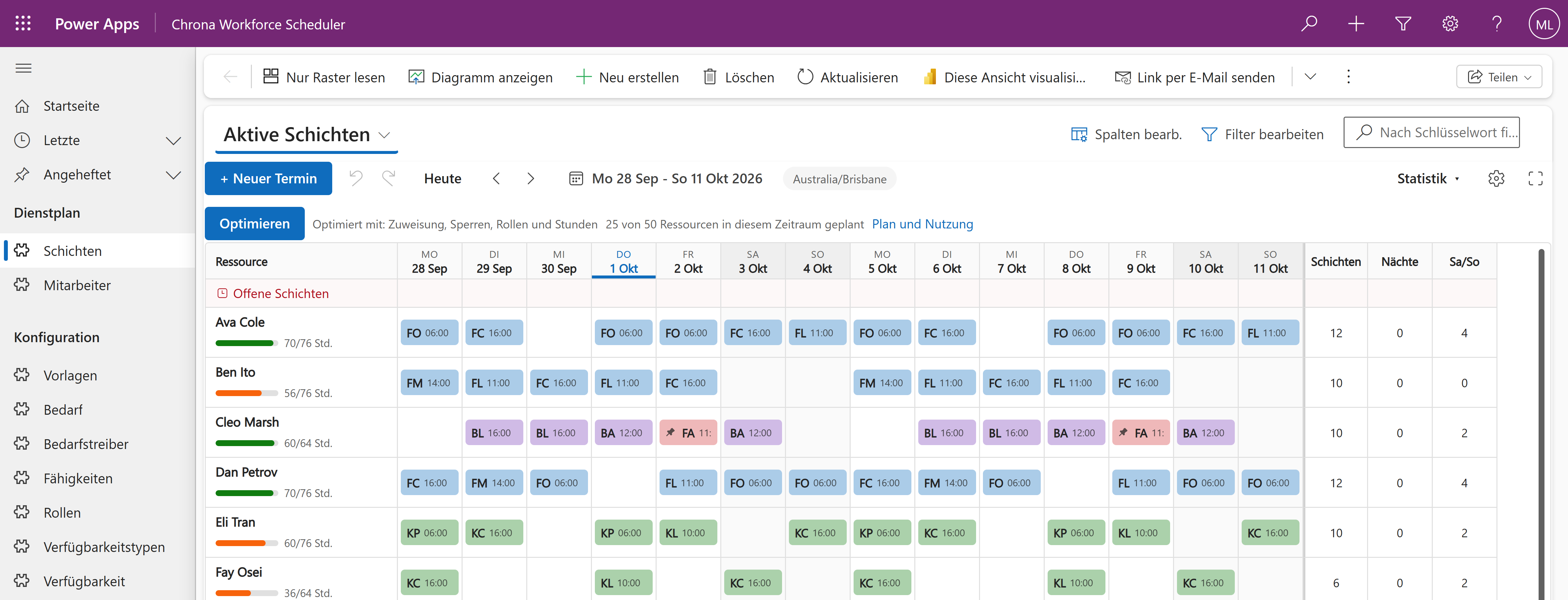
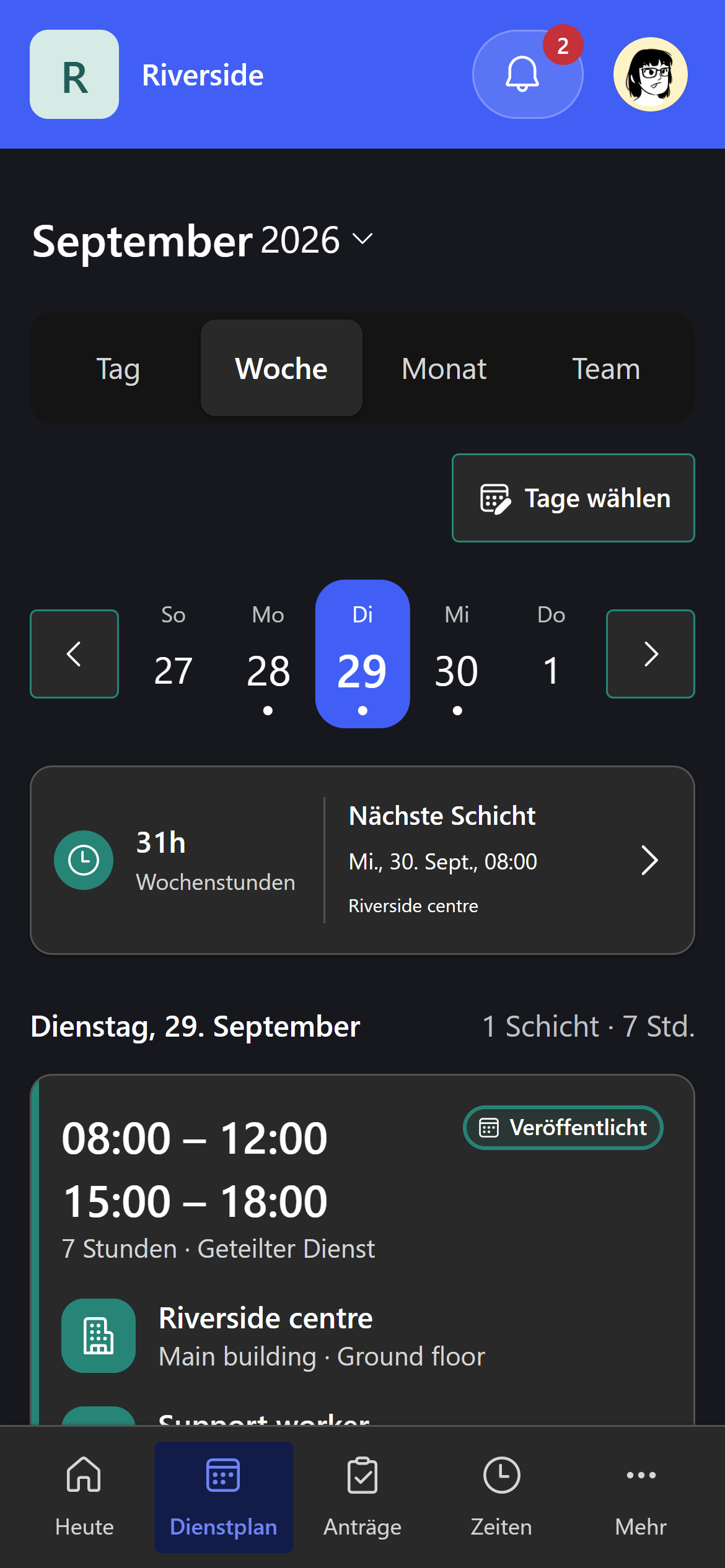
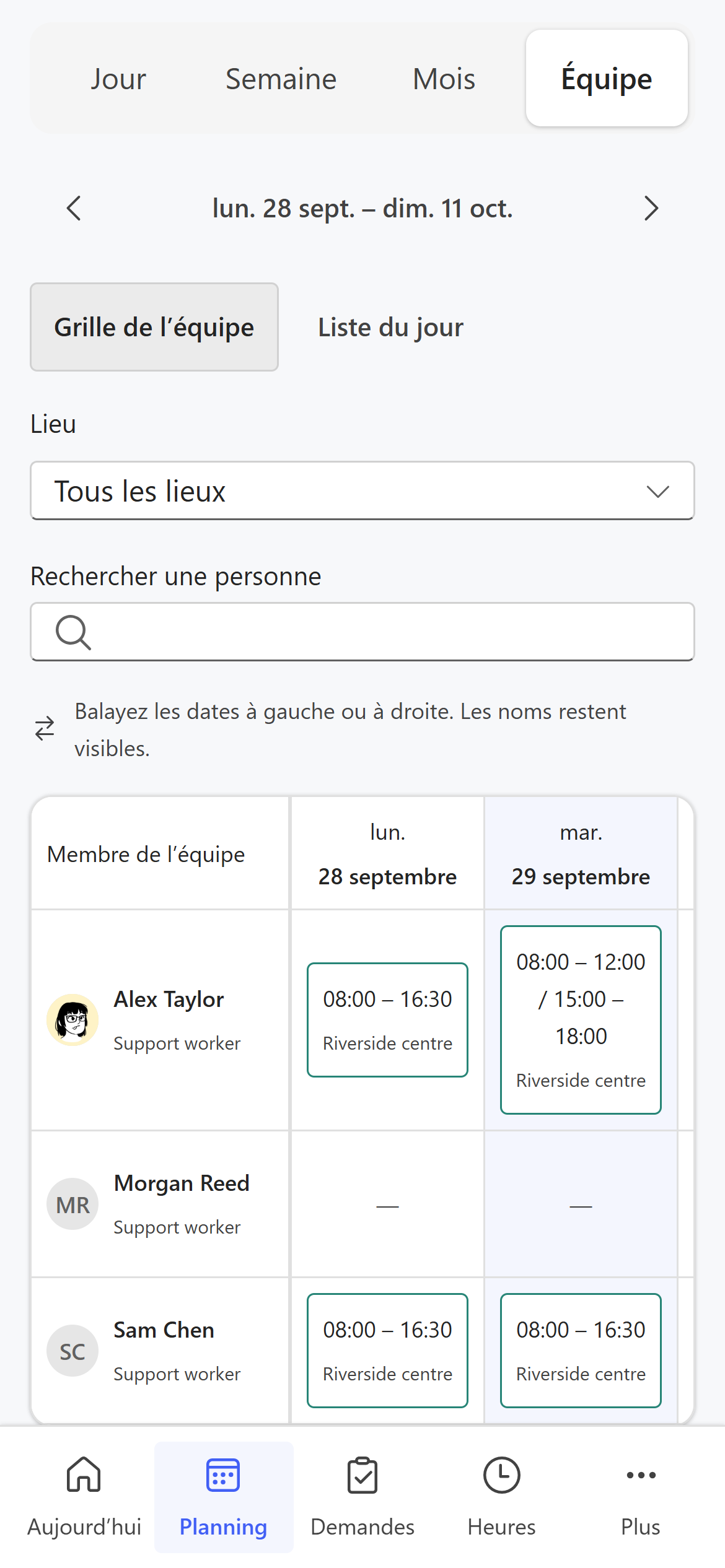
In eight languages, out of the box.
Each role lists the skills it needs. Auto Schedule assigns only people who have them.
Leave, training and other unavailable time keep people off shifts they cannot work.
Each person's hours show against their capacity while you plan.
Set how many people you need, and when. The coverage strip shows where you are short.
Save your shift patterns once. Generate creates the shifts for each period.
Plan period by period. Publish a period when it is ready, and see what changed since.
Chrona Workforce Scheduler is a managed solution in your own Dataverse, next to your other apps on Dataverse, including Dynamics 365 Sales, Customer Service and Field Service.
 Power Apps
 Dataverse
 Power Automate
 Power Platform
Auto Schedule is how the roster gets built. You stay in charge of every change.
Set up your roles, the skills each role needs, and how many people you need at each time.
Save your shift patterns as templates. Generate creates the shifts for the period.
Auto Schedule assigns people against your rules: skills, availability, leave, locked shifts and hours.
The result arrives as a proposal on the board. Apply it or discard it, adjust by hand, then publish the period.
What we are building next, and how far it has come. Dates and prices appear when they are ready.
Staff self-scheduling for your deskless and frontline teams. Their schedule, leave and sick leave, shift swaps, open shifts, availability, work preferences and timesheets, on their phone.
It runs on Power Pages in your own Dataverse, next to your Dynamics 365 and Power Platform apps. Your automation, customisations and integrations stay in one place.
Requires Chrona Workforce Scheduler. A paid add-on; the price comes with the release. Workers sign in under your Power Pages licences.
Maintained rule sets for specific industries and jurisdictions, kept current as the rules change. Partners will author packs against a published format. Not available yet.
About constraint packsFrom A$1,000 a month, 50 resources included. Above 50, each extra resource costs less as you grow.
Move the slider to the number of people and assets you expect Auto Schedule to roster in a month.
| First 50 | Included |
| 51 to 150 | A$18 each |
| 151 to 400 | A$15 each |
| 401 to 1,000 | A$12 each |
| Above 1,000 | A$10 each |
Prices in Australian dollars. Tax is calculated at checkout. Microsoft licensing for Power Apps and Dataverse is separate and stays with Microsoft or your partner.
Subscribe in the Chrona Portal, then install in your own environment.
Use the Microsoft account you use for Power Apps.
Pay by card through Stripe. Each month you get a tax invoice.
Download Chrona Workforce Scheduler from Downloads. It includes Chrona Scheduler and the install guide. Import both solutions in order.
The questions buyers ask first.
Up to 2,000 people and 14,400 shifts in one run: two weeks for 2,000 people, or four weeks for 1,000.
Yes. A run's time grows with the number of people, and it stops as soon as it stops finding a better roster.
Any person or asset Auto Schedule assigns work to, applied or not. Each counts once per billing period, however many runs, schedulers or environments it appears in.
No. The Chrona Workforce Scheduler download includes it. If you already use the free scheduler, the import updates it.
A grace period keeps everything working with a warning. After it, Auto Schedule and Generate pause until payment is made. Viewing, manual rostering, editing and publishing continue, and no data is locked.
Everything on your own data: viewing, rostering, editing, publishing and Generate. Auto Schedule pauses, and after 24 hours the scheduler bar says so, with Retry.
Yes. Auto Schedule rosters inside your industry award and enterprise agreement obligations, including hours, rest between shifts, consecutive days, minimum engagement, penalty rates and overtime, and keeps labour cost down.
Power Pages, from Microsoft. Each worker who signs in counts once a month as an authenticated user of your site, however often they sign in. Microsoft sells this in monthly packs or pay-as-you-go through Azure. Staff with Power Apps Premium in your tenant are not counted when they sign in with their work account. Microsoft 365 plans, F1 and F3 included, do not include Power Pages. Planners use the model-driven app under their Power Apps licences.
No. Chrona supports its packages and its documentation. Consultancies and integrators implement; we do not sell implementation hours.
Subscribe in the Chrona Portal, download, and plan in your own Power Apps.